
How Payment Works
180 Peptides currently offers multiple payment methods. Complete checkout first, select your preferred payment option, and then follow the payment instructions associated with your order.
Your order number and total are generated when checkout is completed. Keep your order confirmation available while completing payment.
Choose Your Payment Method
Select one of the available options during checkout. Instructions may appear immediately after checkout or be delivered to the email or contact information associated with your order.
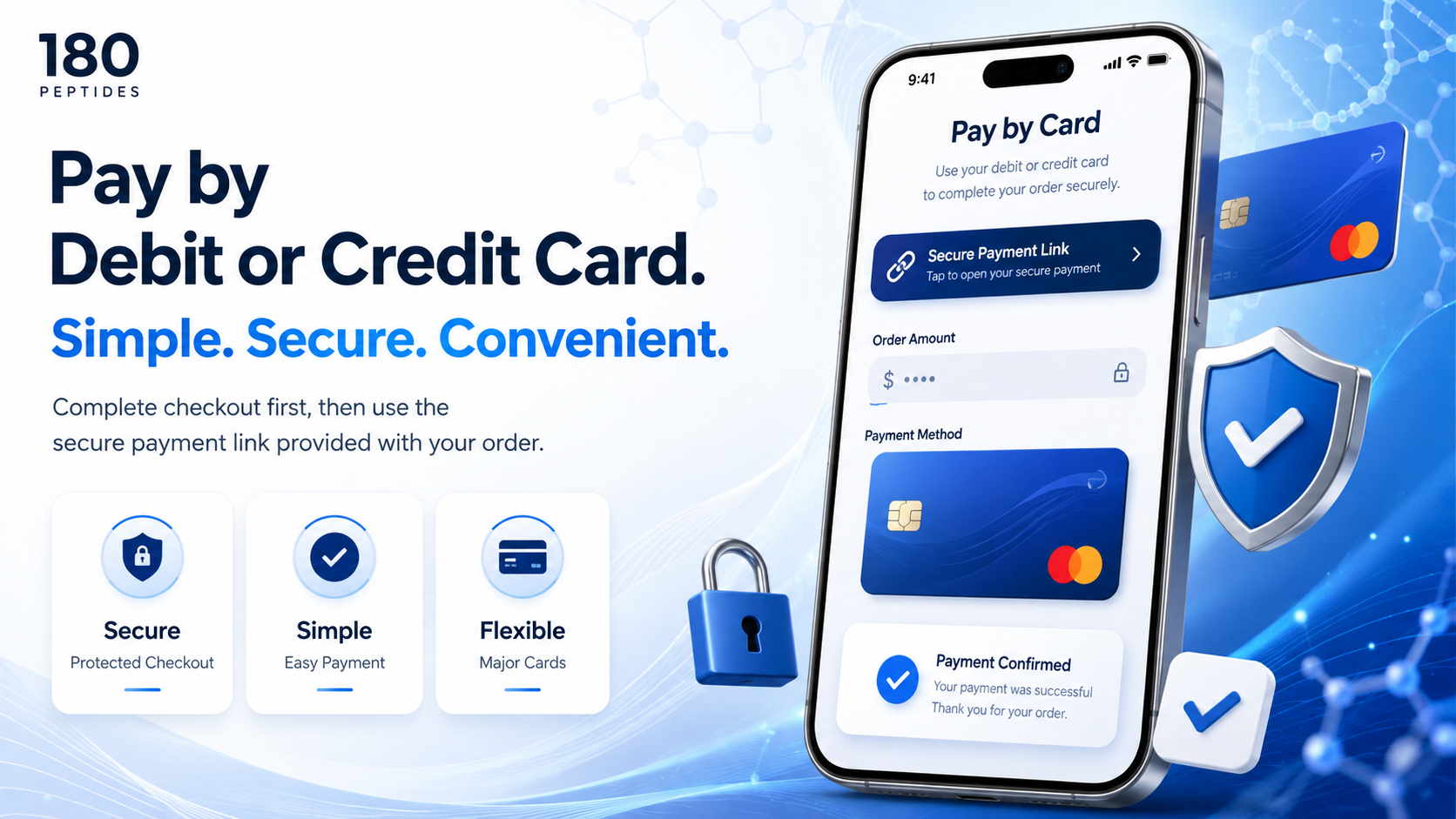
Debit / Credit Card
If you select Debit / Credit Card during checkout, a custom payment link for your exact order amount will be sent using the contact information associated with your order.
Open the payment link and follow the secure checkout instructions to complete your card payment.
Payment links may be issued in scheduled processing windows rather than immediately after checkout. If you do not receive the link right away, please allow time for your order to enter the payment queue and check your email and spam folders.
Complete your 180 Peptides checkout.
Receive your order-specific payment link.
Open the secure link and complete payment.
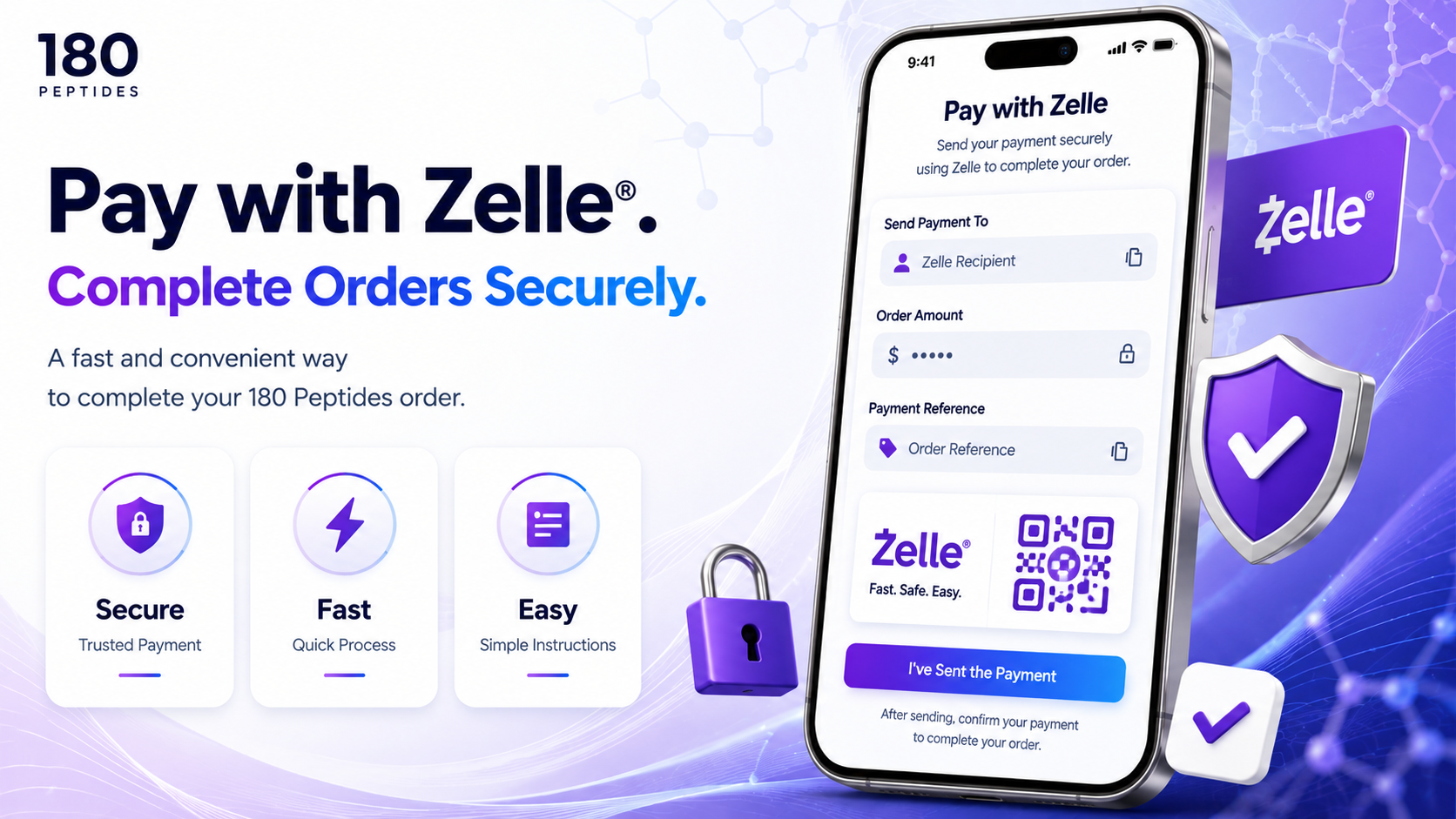
Zelle
When Zelle is selected during checkout, the current Zelle payment instructions will be displayed or sent to the email associated with your order.
Open your banking institution’s Zelle feature and send the exact order total to the payment destination shown in your 180 Peptides instructions.
Complete checkout and select Zelle.
Review the payment destination and exact order total.
Submit payment and use your order number as instructed.
When a payment-reference field is available, use the order number supplied in your confirmation unless your checkout instructions specify otherwise.
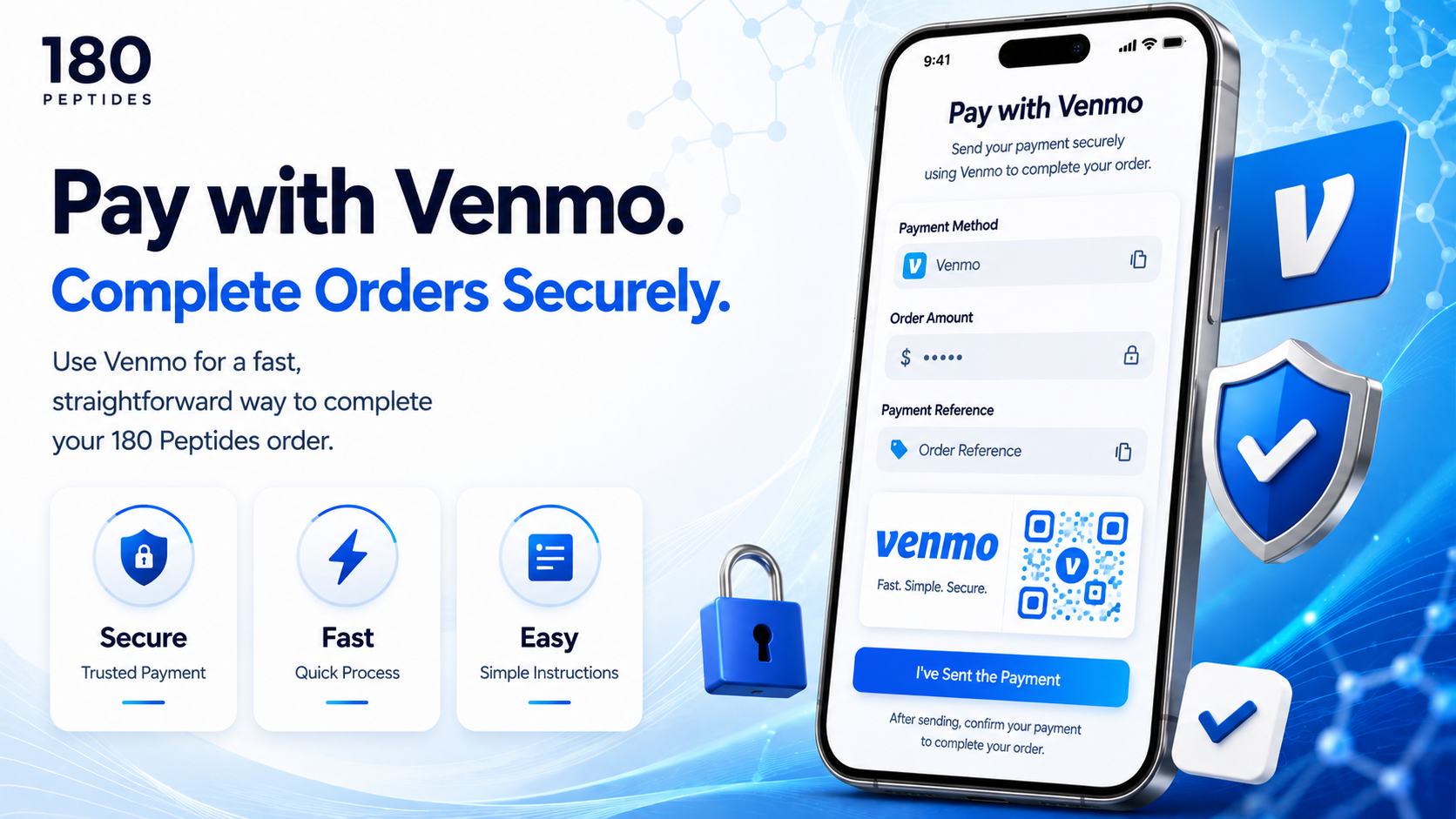
Venmo
If Venmo is selected during checkout, the current 180 Peptides Venmo payment handle and instructions will be displayed or sent with your order information.
Open Venmo, verify the recipient carefully, and submit the exact order total shown in your checkout confirmation.
Select Venmo during checkout.
Use the payment handle supplied with your order.
Submit the exact total and reference your order as instructed.
Always confirm that the payment handle matches the information provided directly by 180 Peptides before submitting payment.
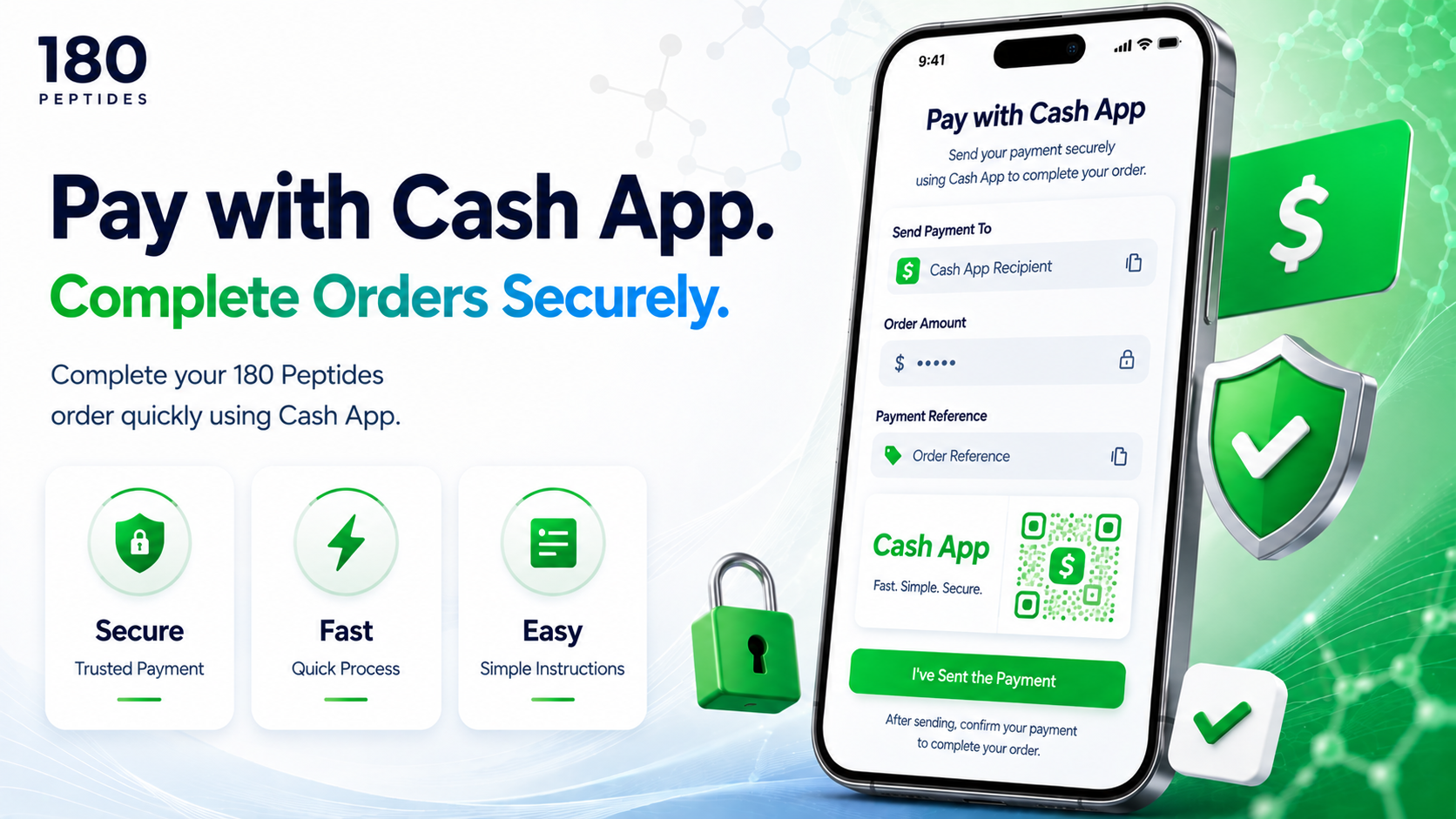
Cash App
If Cash App is selected during checkout, the current Cash App payment information will be displayed or sent with your order instructions.
Open Cash App, verify the supplied $Cashtag, and send the exact order total shown in your confirmation.
Select Cash App during checkout.
Verify the $Cashtag supplied with your order.
Send the exact order total and use the requested order reference.
Do not send payment to a Cash App account that was not provided through the official 180 Peptides checkout or order communication.
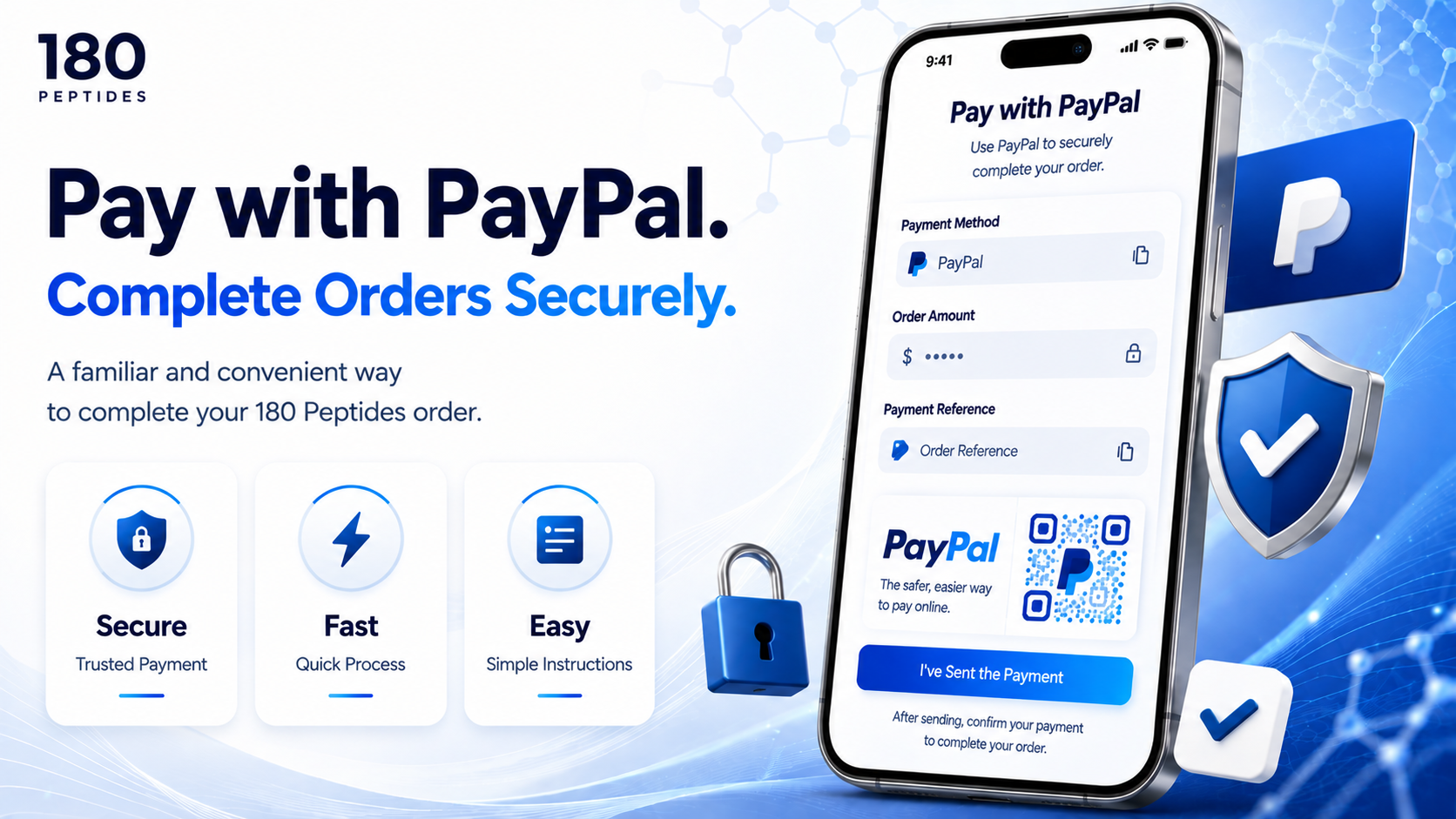
PayPal
If PayPal is selected during checkout, the current PayPal payment instructions or payment destination will be provided with your order information.
Open the PayPal payment link or destination supplied by 180 Peptides, verify the recipient, and submit the exact order total shown in your confirmation.
Select PayPal during checkout.
Open the PayPal instructions supplied with your order.
Verify the amount and recipient before submitting payment.
Follow the payment-reference instructions provided with your order so your payment can be matched to the correct 180 Peptides order.
What Happens Next?
Once your payment is received and matched to your order, the order can move into fulfillment. You will receive additional order communication as processing and shipping are completed.
Having Trouble With Payment?
If your payment instructions have not arrived or you are unsure whether you have the correct payment information, do not send payment until the details have been verified.